
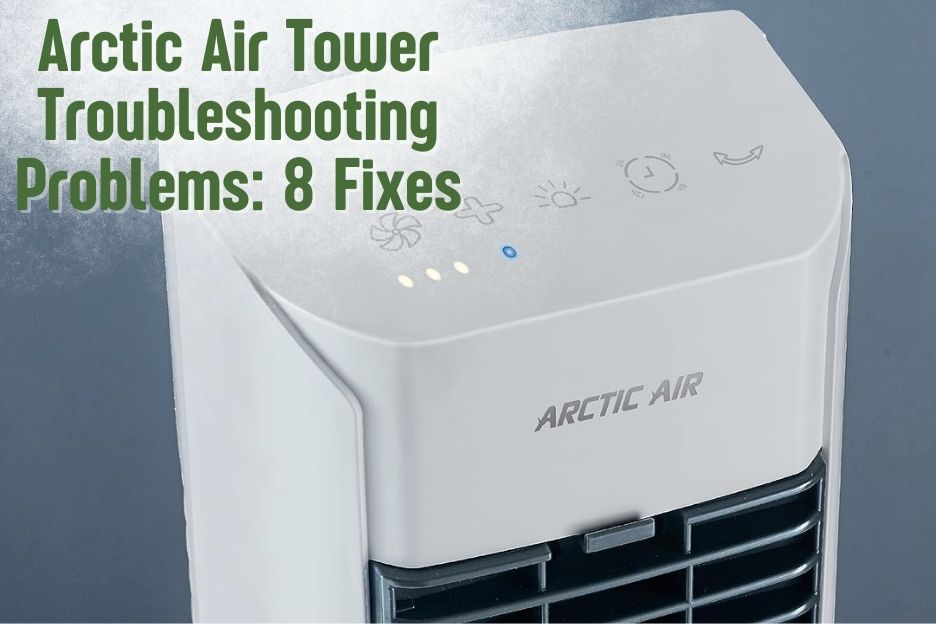
Arctic Air Tower troubleshooting problems can be frustrating without proper guidance. There can be instances when your tower fan stops working or there is a leakage issue. However, there is no need to worry!
Read on as I will provide tips for diagnosing and fixing the 8 most common Arctic Air tower problems consumers experience. So without any delay, let’s get started!
Exploring the Features of The Arctic Air Tower
The following are some features of Arctic Air Tower:
[su_list icon=”icon: check” icon_color=”#00cf77″]
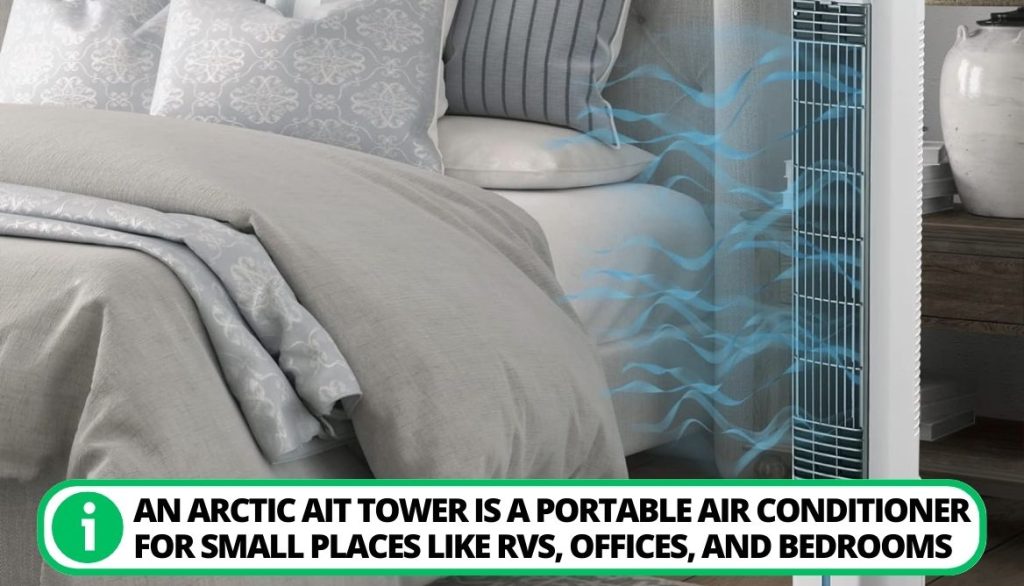
- Purpose-Built Cooling Solution: An Arctic Ait Tower is a portable air conditioner for small places like RVs, offices, and bedrooms. It converts hot air into the cold air.
- Innovative Evaporative Cooling Technology: It uses modern cooling technology with Arctic Air pure chill elements, which use water to lower air temperatures and produce an energizing breeze.
- User-Friendly Features: The device has a handy water tank that can be refilled and a battery-operated control panel that lets users set the fan speed and cooling settings according to their desire.
- Portability and Convenience: Its small size and light weight make it incredibly convenient to move about and set up wherever needed.
- Cost-effective and energy-efficient: It offers a more economical and energy-efficient alternative to traditional dry air conditioning equipment. However, it may not be suited for cooling big rooms or open areas.
[/su_list]
Now that we have gone through the quick overview, let’s head on to the problems and their fixes!
8 Arctic Air Tower Troubleshooting Problems
In the given section, I’ll discuss 8 problems people frequently face with the Arctic Air Tower and their solutions. Deep dive to know more:
1. Arctic Air Tower Stopped Operating
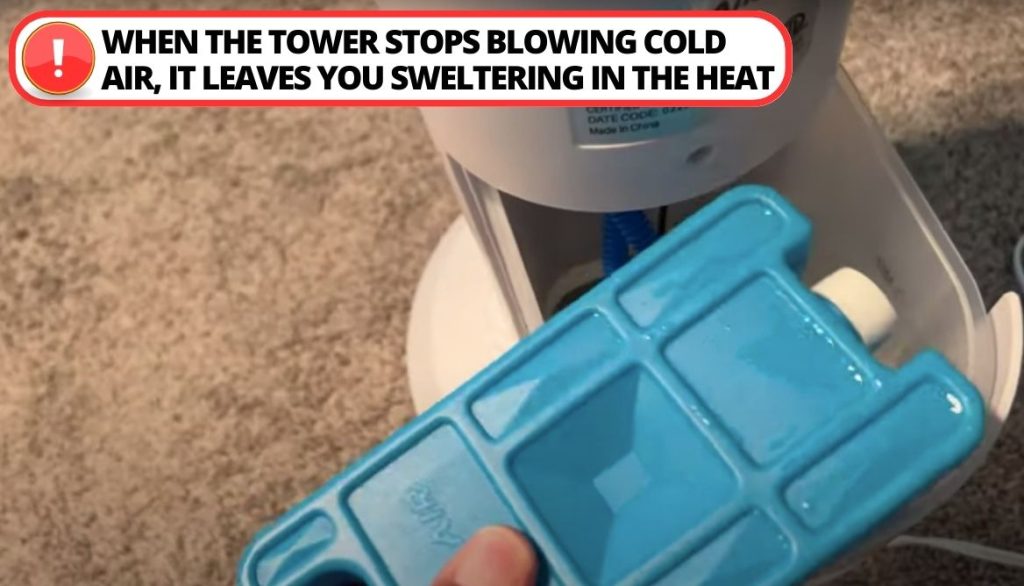
It can be frustrating when your Arctic Air tower fan unexpectedly shuts off and stops cooling the room. There are several possible causes for the unit to stop operating, such as:
[su_list icon=”icon: check” icon_color=”#00cf77″]
- Loss of power supply;
- Frozen coils;
- Faulty components;
- Improper placement;
- Insufficient water.
[/su_list]
When the tower stops blowing cold air, it leaves you sweltering in the heat.
[su_box title=”Solution” style=”default” box_color=”#0CB964″]
To get your Arctic Air tower working again, try the following troubleshooting tips:
[su_list icon=”icon: chevron-circle-right” icon_color=”#00cf77″]
- Check that the unit is plugged in fully and the outlet has power.
- Inspect the filter, coils, and fan for obstructions.
- Ensure the water reservoir is filled to the fill line.
- Test components like the compressor and fan motor individually and then run the unit again to notice improvement. [/su_list] [/su_box]
2. Not Cooling Enough Air
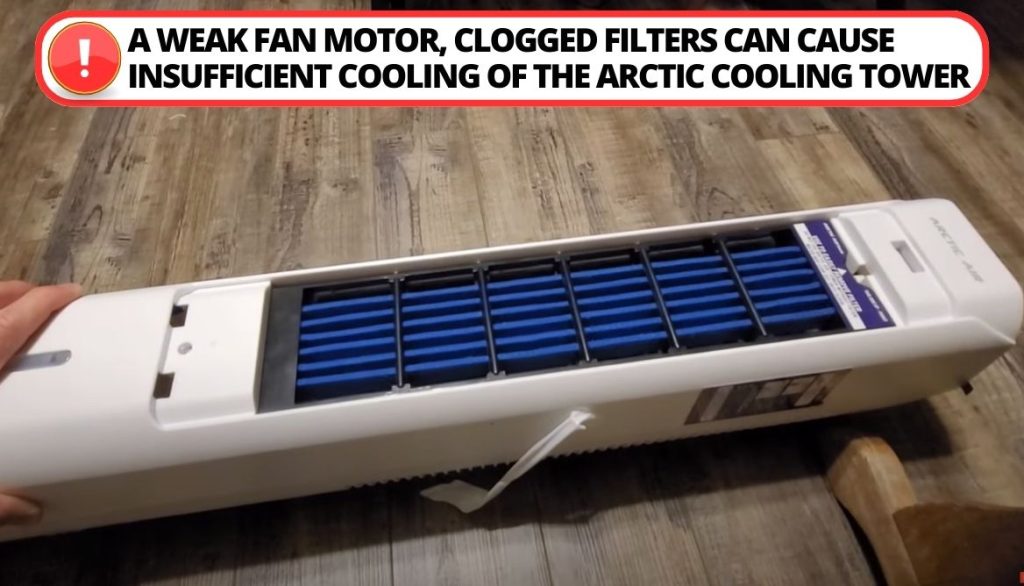
A weak fan motor, clogged filters, or improper tower placement can cause inadequate cooling of the Arctic tower. Insufficient cooling results in the tower’s inability to lower temperatures and humidity levels as advertised.
[su_box title=”Solution” style=”default” box_color=”#0CB964″]
To resolve an inadequate cooling issue with your Arctic Air tower, try the following:
[su_list icon=”icon: chevron-circle-right” icon_color=”#00cf77″]
- Check and clean the filter to remove any dust obstructing airflow.
- Add more water to the tank to increase moisture circulation for better evaporative cooling effects.
- Ensure the tower is placed on a hard, flat surface and positioned at least 2 feet away from walls or other obstructions.
- Don’t forget to check Arctic Air pure chill elements, whether they are working fine or not. [/su_list] [/su_box]
3. Fan Failure to Blow Airflow
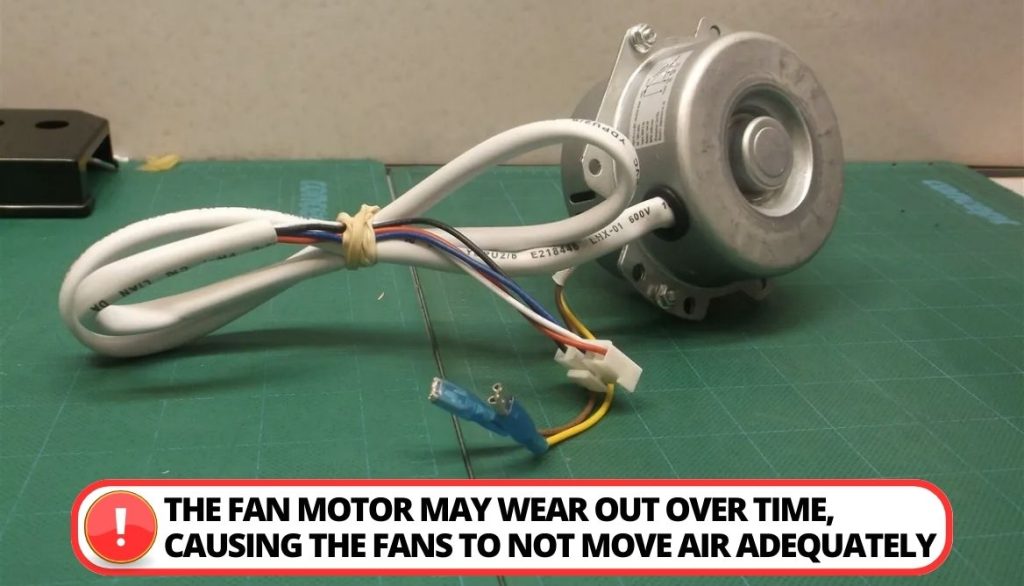
The fan motor in the Arctic Air tower may become worn down over time, resulting in a malfunction that prevents the fans from adequately moving air.
[su_box title=”Solution” style=”default” box_color=”#0CB964″]
Here are some instructions you can follow to solve this problem:
[su_list icon=”icon: chevron-circle-right” icon_color=”#00cf77″]
- Remove the connector from the Arctic Air coolers to separate it from the power source.
- Reconnect it to the electrical outlet safely after pausing for a moment.
- Following that, hold down the power button for 5 seconds. Hold it in place until you notice the fan blades starting to turn. [/su_list] [/su_box]
4. Water Leaking Issues
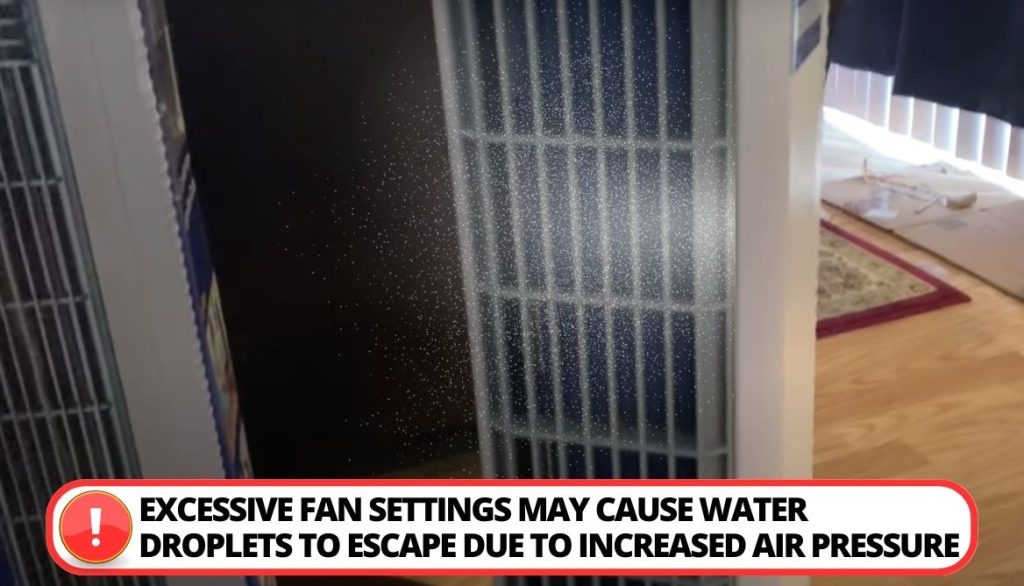
The Arctic air tower’s excessive fan settings may cause water droplets to be expelled because of increased air pressure. Additionally, the device may leak water if there are blocked cooling pads and filters.
[su_box title=”Solution” style=”default” box_color=”#0CB964″]
You can solve this issue as follows:
[su_list icon=”icon: chevron-circle-right” icon_color=”#00cf77″]
- Set the fan’s speed to its lowest position.
- Check for clogged or damaged filters or cooling pads and replace them as necessary.
- To avoid leaks, ensure all connections and seals are securely connected. [/su_list] [/su_box]
5. Excessive Noise During Use
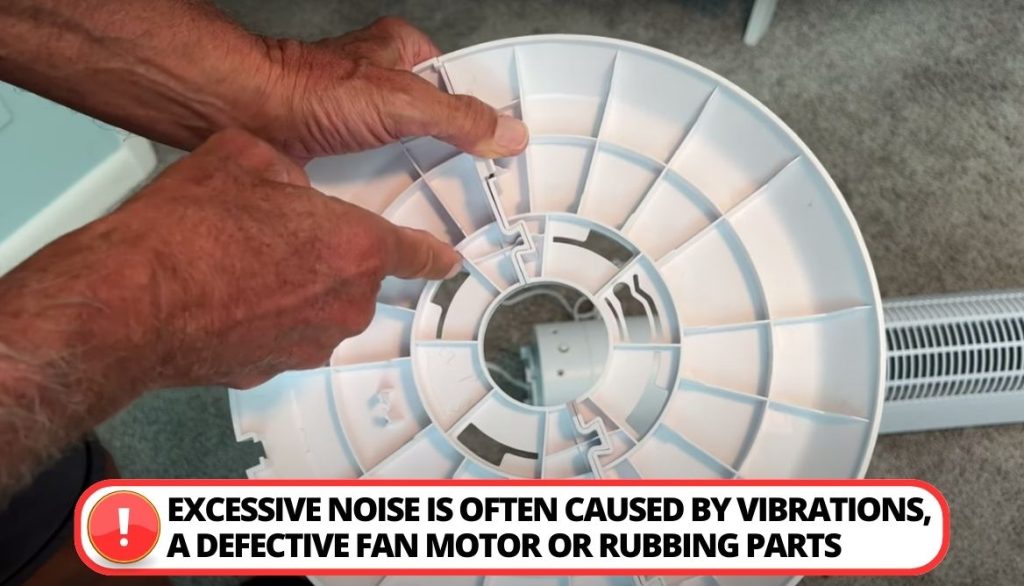
Excessive noise when operating your Arctic Air tower fan can be annoying and disruptive. This is often caused by vibrations, a defective fan motor, or parts rubbing together. This can decrease relaxation and sleep.
[su_box title=”Solution” style=”default” box_color=”#0CB964″]
To troubleshoot and fix a noisy Arctic Air tower, try these tips:
[su_list icon=”icon: chevron-circle-right” icon_color=”#00cf77″]
- Clean out any debris that could be causing fan scraping or imbalance.
- Tighten all fasteners and inspect fittings to ensure no parts are loose.
- Ensure the surface is level and sturdy so vibrations don’t amplify sound.
- If the problem is still not resolved, replace the fan motor. You can also contact customer service for replacement parts if needed. [/su_list] [/su_box]
6. Control Panel Not Working
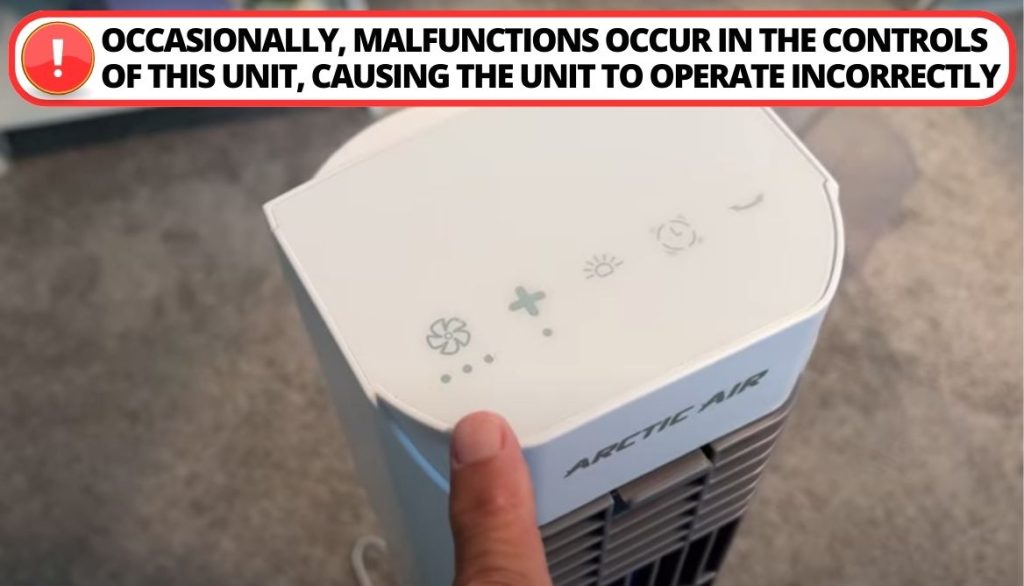
Sometimes, this device’s controls experience some malfunctioning issues, which causes the device not to operate properly.
[su_box title=”Solution” style=”default” box_color=”#0CB964″]
To fix this issue, you can opt for the following measures:
[su_list icon=”icon: chevron-circle-right” icon_color=”#00cf77″]
- Try replacing the batteries.
- Starting a device reset.
- Ensuring a solid connection between the control panel and the central unit. [/su_list] [/su_box]
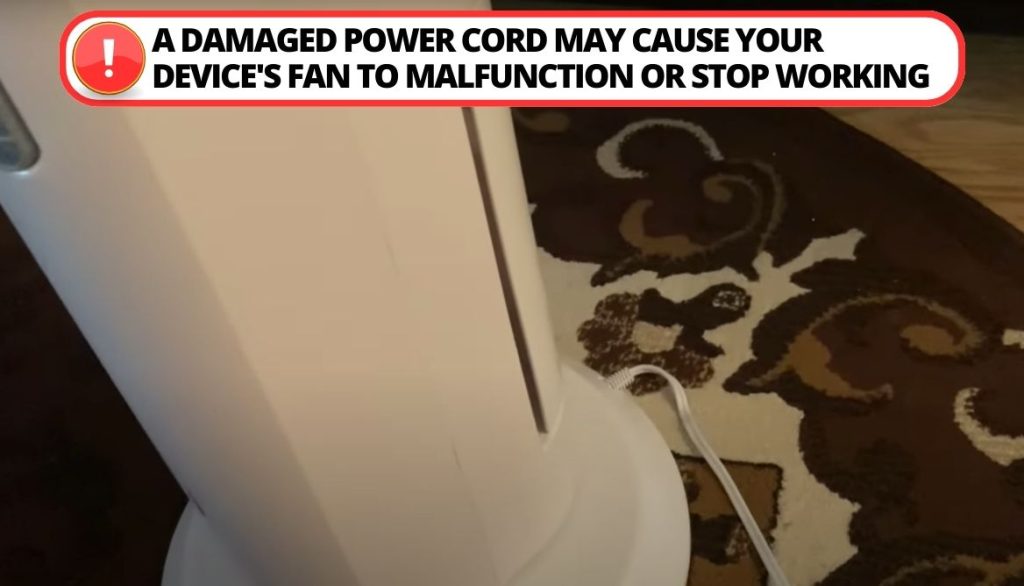
7. Loose/Damaged Power Cord Hazards
A loose connection or damaged power cord can cause your unit’s fan to malfunction or stop operating. It can cause heat damage, exposed wires, cracking, loose prongs, or connection issues. This poses both a performance issue and a potential fire hazard.
[su_box title=”Solution” style=”default” box_color=”#0CB964″]
If your tower fan exhibits power cord problems, take these steps:
[su_list icon=”icon: chevron-circle-right” icon_color=”#00cf77″]
- Unplug the unit and discontinue use until the cord is replaced.
- Replace the wire with a new power cord.
- When connecting the new cord, ensure the plug is fully inserted into the outlet.
- Inspect the wall outlet as well for looseness or damage. [/su_list] [/su_box]
8. Repairing Internal Part Failures
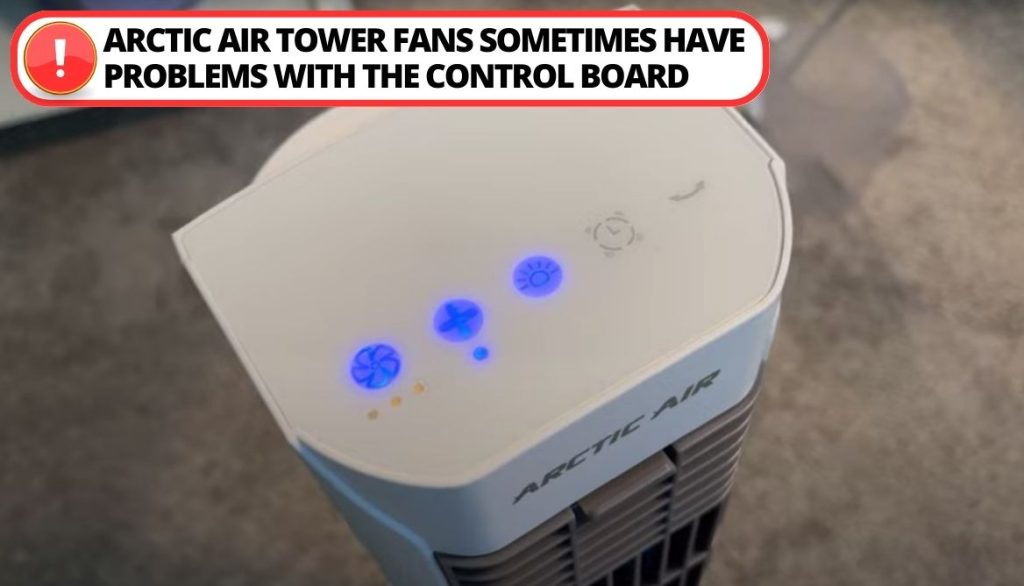
Arctic Air tower fans sometimes face problems with internal components like:
[su_list icon=”icon: check” icon_color=”#00cf77″]
- Motors;
- Pump systems;
- Control boards;
- Electrical wiring.
[/su_list]
Diagnosing and repairing internal issues requires taking the tower unit apart, which poses risks. It’s recommended to try more manageable troubleshooting steps first. But if those don’t resolve the problem, internal component issues may be the culprit.
[su_box title=”Solution” style=”default” box_color=”#0CB964″]
Potential solutions include:
[su_list icon=”icon: chevron-circle-right” icon_color=”#00cf77″]
- Test the motor with a voltmeter to determine if it’s defective.
- Also, check if the control board needs to be reset or replaced.
- Make sure the internal pump system and hoses are intact.
- Look for leaking water or corrosion damage inside the unit.
- Consult the owner’s manual for specific component testing procedures. [/su_list] [/su_box]
Upkeep and Customer Service Assistance
Proper maintenance is critical to preventing Arctic Air cooler problems and maximizing performance. It can prevent many upcoming issues as well as minimize the risk of device failure.
Let’s discover a detailed guide on the maintenance:
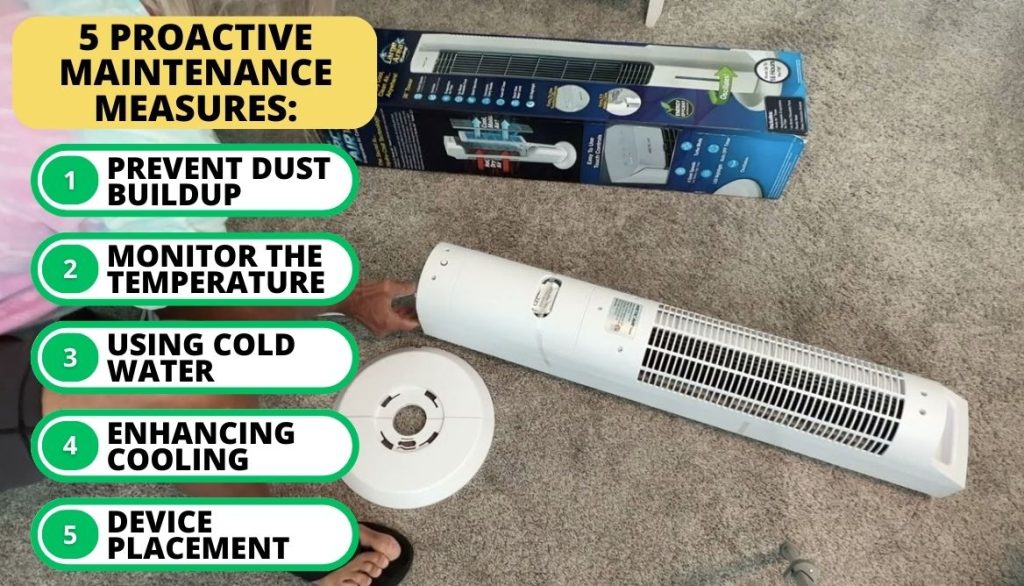
1. Proactive Maintenance Measures
Regular maintenance procedures are necessary to guarantee your Arctic Air Tower operates at its best.
[su_list icon=”icon: check” icon_color=”#00cf77″]
- Prevent Dust Buildup: It is essential to routinely maintain the air filters by cleaning them. Such accumulation can reduce the effectiveness of evaporative air cooling technology by obstructing airflow.
- Keep Tab On Temperature Reading: Ensure the monitoring temperature readings carefully to enhance their performance.
- Using Cold Water: Put your filter under cold running water to initiate the cooling process.
- Enhancing Cooling: You can achieve the most efficient cooling by placing a wet filter in your freezer and letting it sit until it hardens.
- Device Placement: Place your Arctic air tower on a flat, secure platform and fill the tank with water by pouring it in from a pitcher. For optimum results, it is advised to use cold water or add ice cubes.
[/su_list]
2. Reach Customer Service
You can contact Arctic Air customer support if you’ve tried all the troubleshooting steps and the issue still exists. They can help you schedule any required repairs or provide additional advice to resolve complex problems.
For further assistance, you can try these contact channels:
[su_list icon=”icon: check” icon_color=”#00cf77″]
- To phone, try this number: 1-888-611-6750
- To email, here is their mail address: ArcticAirTower@rephelpdesk.com
[/su_list]
Resetting Your Arctic Air Tower
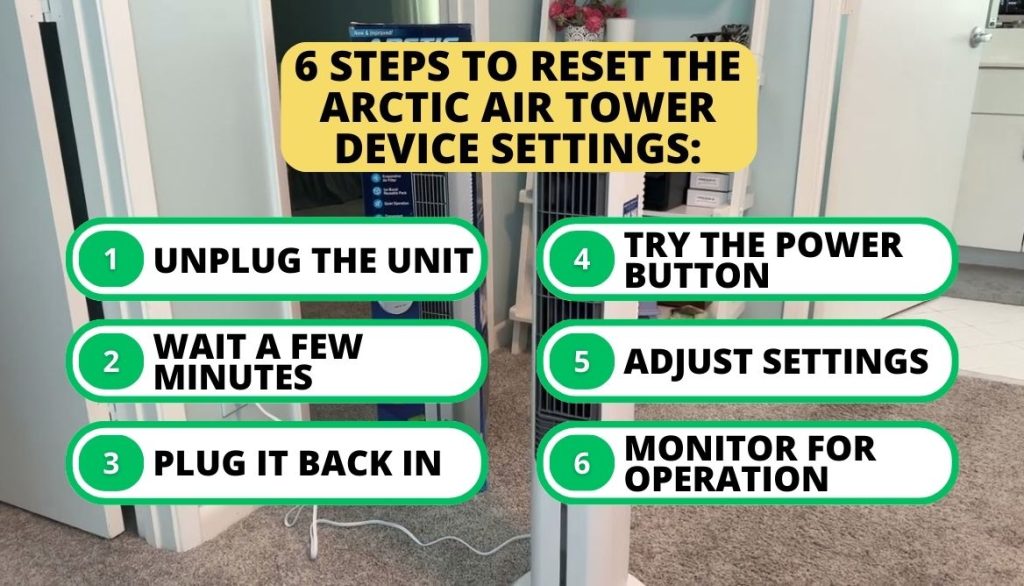
You can reset your device by following these steps:
[su_list icon=”icon: check” icon_color=”#00cf77″]
- Unplug the unit: Find the power cord attached to the Arctic Air cooler and remove the device from the wall outlet.
- Wait a few minutes: Let the device sit disconnected for at least five minutes.
- Plug it back in: Now reconnect the unit to the outlet.
- Try the power button: Press and hold the power button for 5 seconds until the fan starts rotating.
- Adjust settings: If necessary, change the temperature, fan speed setting, or other parameters according to your preferences.
- Monitor for operation: Make sure the appliance starts blowing cool air as expected by keeping an eye on it.
[/su_list]
FAQ
Why is my Arctic Air not cooling?
Why is water coming out of my Arctic Air Tower?
What Causes Corrosion In Arctic Air-Cooling Towers?
Why is my Arctic Air not dispensing water?
Conclusion
Summing up, Arctic Air Tower Troubleshooting Problems is not a difficult thing to do if you have proper guidance. Most of the time, these issues can be tackled with a little DIY effort. For example, for the damaged wires, you can replace them or tighten the junctions.
On the other hand, if your device has troubles with internal components, the best solution is to look for damage and swap out the parts. Meanwhile, you should tighten all the fittings and replace the motor for noisy operation. Finally, every machine experiences problems and needs checking over time.
However, by providing the best maintenance, you can expand your device’s usage period and get the most out. Have you ever faced a problem with your Arctic tower? Let me know in the comments.