

Diehard Portable Power 1150 Not Charging can be very stressful. The device is considered a lifesaver, especially when having trouble with your car battery.
With time many customers may experience problems while charging the diehard 1150. This article will look at three fixes on how to resolve the issue. Let us begin!
Overview of Diehard Portable
Diehard Portable is an advanced charging device that is quicker, more efficient, and safer than its competitors. If your car battery suddenly stops working, it can:

[su_list icon=”icon: check” icon_color=”#00cf77″]
- Be used as a Jumpstarter
- Compress the wheels using its air compressor
[/su_list]
It takes approximately 45–50 hours to charge the Diehard portable power 1150 fully. The causes of improper charging are mainly deposits or issues with the terminals.
Let”s look at some of the fixes for the common problems!
Ways of Fixing Diehard Portable Power 1150 Not Charging
Here are a few solutions to remedy the charging situations on your Diehard portable power 1150.
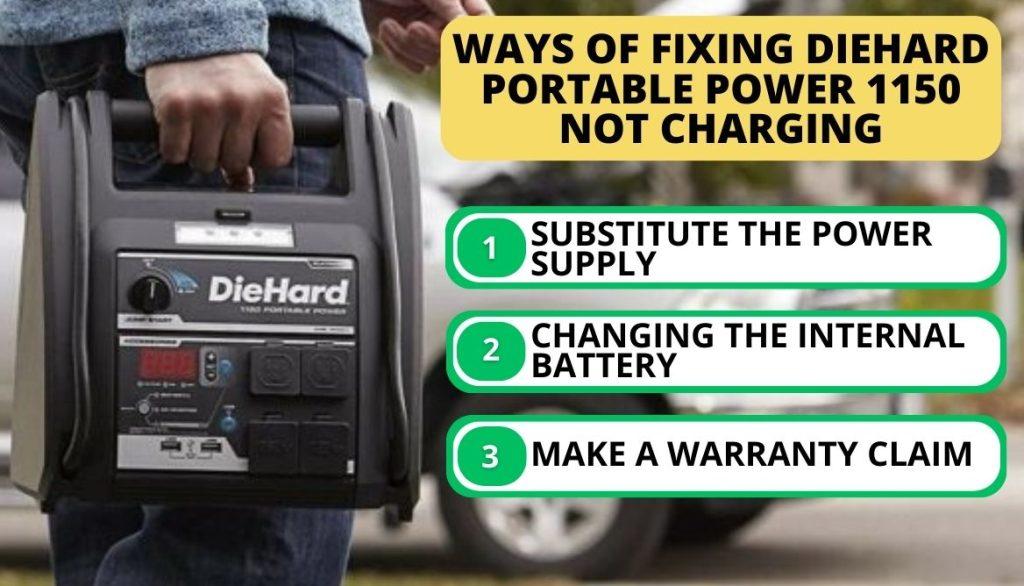
1. Substitute the Power Supply
The battery should be charged at least once monthly to maintain its optimal performance.
[su_list icon=”icon: exclamation-circle” icon_color=”#f41449″]
- If you haven’t done so in a while, the device can collect dust and may sulfate. Unfortunately, it is beyond repair, but you can replace it.
- If you’ve maintained the battery correctly, the power supply may be at fault because it is vulnerable to surges and outages.
- After a surge, you can try supply replacement assuming the battery is still functional. This can be done by ordering the device from a website like Amazon.[/su_list]

2. Changing the Internal Battery
Replacing the internal battery is not a complicated process. You can easily do it by following the online tutorials when you order your replacement battery online.
Process of Replacing a Battery
The back of the Diehard Portable Power 1150 unit features a door for easy access when you want to replace the battery. You can easily DIY the battery replacement through the following steps:
[su_list icon=”icon: chevron-circle-right” icon_color=”#00cf77″]
- Make sure the switch is turned off.
- Release the clamps.
- Once you’ve unscrewed the door’s eight fasteners, you may slide it to the side to open it.
- You have first to take out the negative terminal bolts and nuts.
- After removing the screws, take it out and replace the new battery the same way you removed the old one.
- Secure the screws back.[/su_list]
[su_note note_color=”#FFBFBF”]
Important! Check that all the fasteners and cables of the replaced new battery are well placed before switching on.[/su_note]
3. Make a Warranty Claim
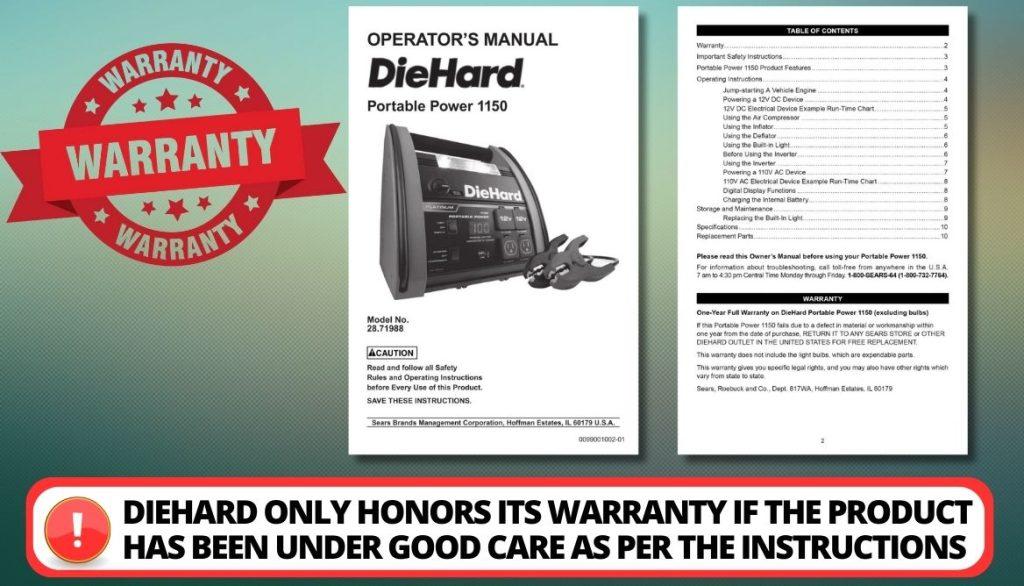
It would be wonderful not to be worried about charging issues for several years after making the purchase. However, if you have just purchased the device and it is malfunctioning, contact the manufacturer immediately for an exchange warranty.
[su_list icon=”icon: exclamation-circle” icon_color=”#f41449″]
- Diehard only honors its warranty if the product has been under good care as per the instructions supplied in the manual by the manufacturer.
- If there has been a breach, the warranty won’t be upheld.[/su_list]
How Do You Use Diehard Battery Charger
The diehard vehicle battery charger requires cautious handling. The most challenging component of using it is often connecting it and the charger.
Connecting the Device to the Charger: Essential Points
This is the point at which many people experience difficulties. These issues, if not treated carefully, can escalate. If you want your Diehard device to work properly, you must utilize it correctly by:
[su_list icon=”icon: chevron-circle-right” icon_color=”#00cf77″]
- When charging, always start by connecting the charger’s positive (red lead) connection to the battery’s positive terminal.
- Never attach the “negative” end to the “positive” one.
- If the unit’s terminal is not connected accurately, sparks may fly. These embers pose a significant threat. Before charging it, double-check that the terminals are securely connected.[/su_list]
Manual Diehard charger users should immediately unplug their devices after its full. Read the manual and consult this video for clearer instructions.
Safety Instructions for the Diehard 1150 Adapter
The internal battery of the device should be charged immediately after purchase. You must recharge it every time you use it.
Also, ensure it has full capacity at least once to prevent it from becoming sulfated. Read the user manual, as it contains the dos and don’ts of the Diehard 1150 adapter.
The Dont’s While Using Diehard Device
The user manual contains all the information and precautions to operate the Diehard portable power 1150 device safely. The don’ts include:
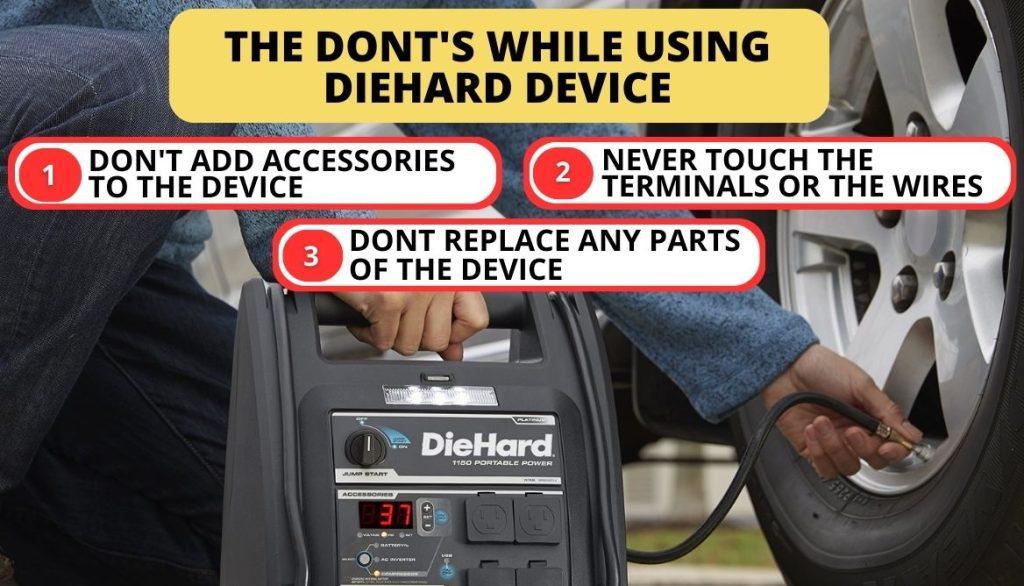
1. Don’t Add Accessories to the Device
Always check the manufacturer’s instructions before adding accessories to the device. This will avoid the following:
[su_list icon=”icon: exclamation-circle” icon_color=”#f41449″]
- Fire
- Sparks
- Electric shocks
- Other hazards to people and property.[/su_list]
2. Never Touch the Terminals or the Wires
The device must be turned off and removed from the power supply before being cleaned or repaired. In some cases, this can prevent an electrical shock.
3. Don’t Replace Any Parts of the Device
If you don’t know what you’re doing, don’t try to replace or take the device apart and put it back together again. Reassembling any cable or making a replacement incorrectly might cause:

[su_list icon=”icon: exclamation-circle” icon_color=”#f41449″]
- Sparking
- Fire
- Electric shock.[/su_list]
Don’t open the device up if you plan on claiming a full warranty. In case of any mishap, there are a few troubleshooting tips you should follow.
Diehard Portable Power 1150 Troubleshooting
Your Diehard Portable Power 1150 may experience several problems, some not indicated in the user manual. We shall look at several issues you might encounter with our device, possible causes, and how to solve them.
1. JumpStarter Failing to Jumpstart the Car
If your jumpstart doesn’t work, there must be reasons behind it.

Possible Cause
A failed jump start could be due to any of the following:
[su_list icon=”icon: exclamation-circle” icon_color=”#f41449″]
- The Jumpstarter battery is not charged
- The jumpstart is off
- The car’s battery is defective
- Bad connection from the clips to the battery[/su_list]
[su_box title=”Solution” style=”default” box_color=”#0CB964″]
The solutions include:
[su_list icon=”icon: chevron-circle-right” icon_color=”#00cf77″]
- Look at the battery percentage of the jumpstart by pressing the front button. Ensure it is charged
- Turn the jumpstart on
- Remedy the problems or have it replaced
- Inspect the battery, compressor, and frame connections for any issues.
- Ensure that the connection points are spotless.
- Improve the connection by moving the clips of the device back and forth.[/su_list][/su_box]
These solutions will get your jumpstart to work.
2. Jump Starter Failing to Power Your 12V Device
Several reasons can be the cause why your Jumpstarter is not powering your 12V device.
Possible Cause
Some of the causes include:
[su_list icon=”icon: exclamation-circle” icon_color=”#f41449″]
- The 12V device has a short circuit or a current draw greater than 15A.
- The 12V device is off.
- There is no charge in the Jumpstarter battery.[/su_list]
[su_box title=”Solution” style=”default” box_color=”#0CB964″]
You can remedy the above situations by:
[su_list icon=”icon: chevron-circle-right” icon_color=”#00cf77″]
- Unplug the 12V gadget. The circuit breaker inside will reset itself in less than 2 minutes. Repeat using the 12V device. If this happens again, you should swap out the 12V component.
- Turn on the 12V device.
- Push the button on the face of the jumpstarter to see how much juice is left.[/su_list][/su_box]
By doing these, your jumpstart will start powering your 12V device.
3. The Jumpstarter’s Battery Cannot Retain a Charge
A Jumpstarter can fail to reserve a charge despite charging it.

Possible Cause
Your Jumpstarter may not retain charge because the battery is defective.
[su_box title=”Solution” style=”default” box_color=”#0CB964″]
The only way to remedy this situation is to perform a battery inspection and check if the battery is in good condition.[/su_box]
4. The Alarm on the Jumpstarter is on
Your Jumpstarter alarm should not be on.
Possible Cause
The only problem that can cause the alarm to turn on is if the connections have been inverted.
[su_box title=”Solution” style=”default” box_color=”#0CB964″]
You can rectify this by reversing the clips and disconnecting the jumpstarter.[/su_box]
FAQ
Why Is My Portable Charger Not Charging?
How Do You Charge a Diehard Portable Power?
How Do You Read a Diehard Battery Charger?
How Long Does Diehard 1150 Take to Charge?
How Long Do Diehard Batteries Last?
Conclusion
Diehard 1150 is essential when traveling if you experience car battery problems. If you have a problem with your Diehard Portable Power 1150 not charging, change the battery or substitute the power source. Handle your device well to claim the warranty in case of a replacement.
What problems have you encountered with your portable device? Comment below, and also feel free to let us know what other devices we should look at in our next article.